
Ideas for
your next move.
Practical thinking for teams building software, securing systems and operating modern infrastructure. Explore our engineering field notes.
500 insights · Page 17 of 42
 ENGINEERING JOURNAL ↗
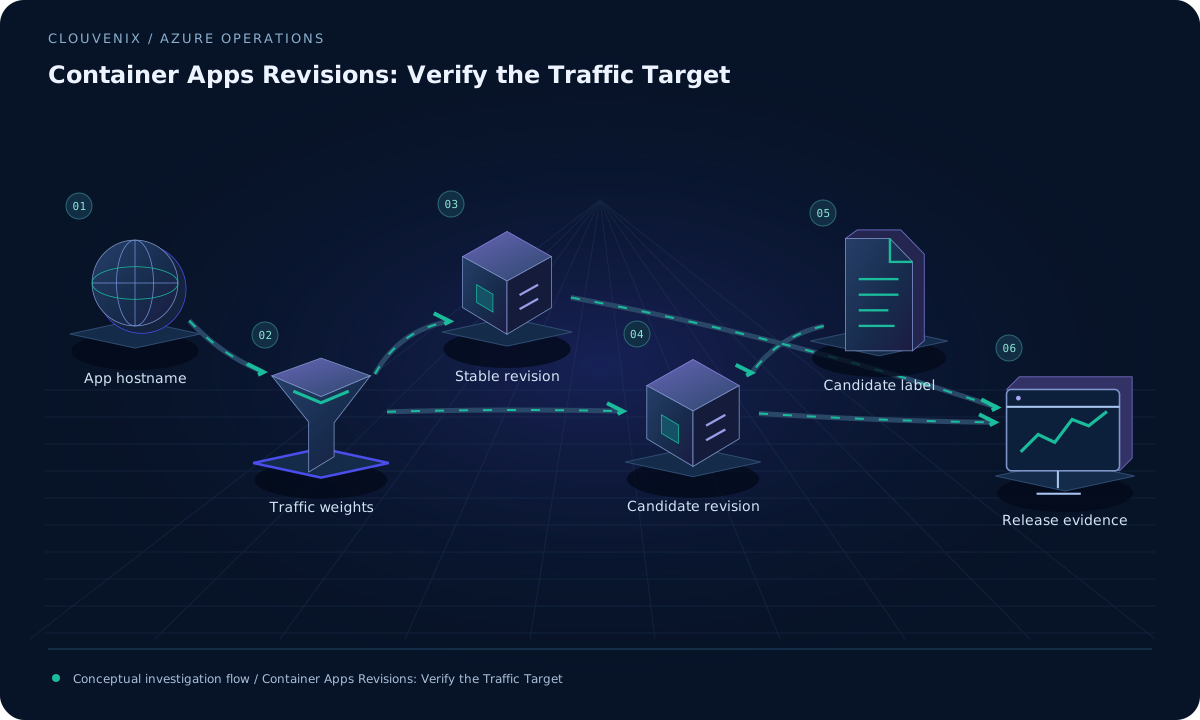
Container Apps Revisions: Verify the Traffic Target
Validate Azure Container Apps releases by distinguishing active revisions, weighted ingress rules and direct label URLs, then confirm which version handled a request.
Read field note ↗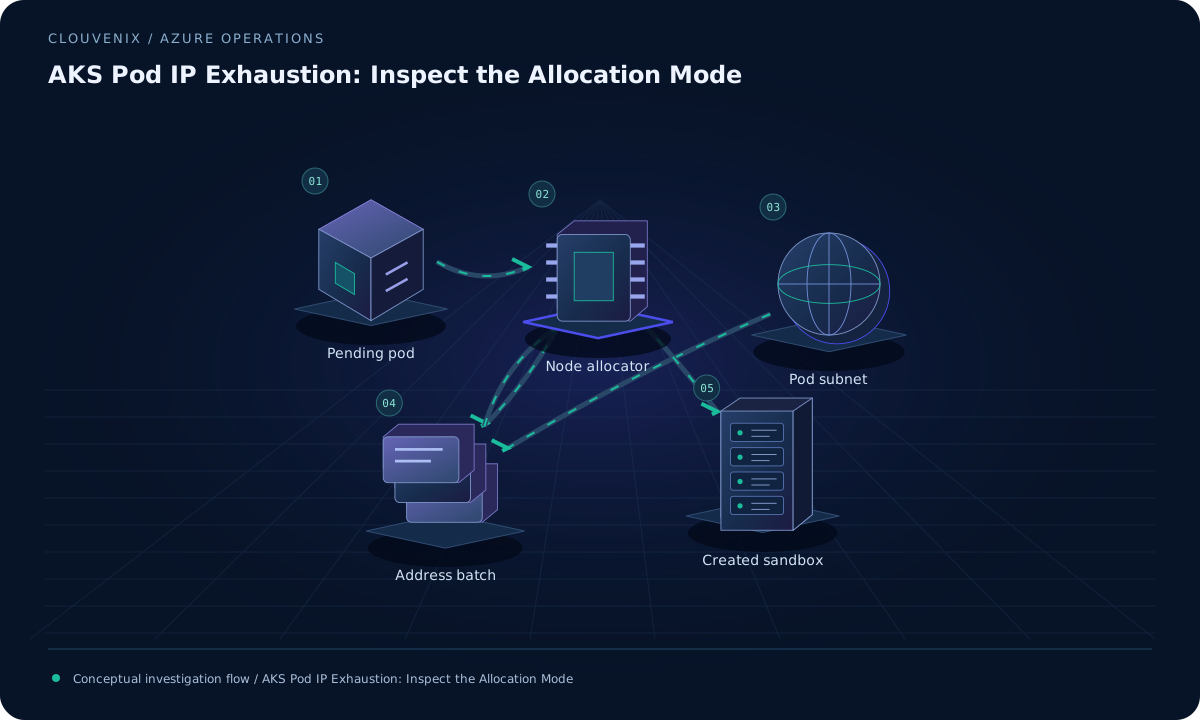 ENGINEERING JOURNAL ↗
AKS Pod IP Exhaustion: Inspect the Allocation Mode
Investigate AKS pods stuck during sandbox creation by checking the Azure CNI allocation mode, pod subnet capacity and node address requests before recycling workloads.
Read field note ↗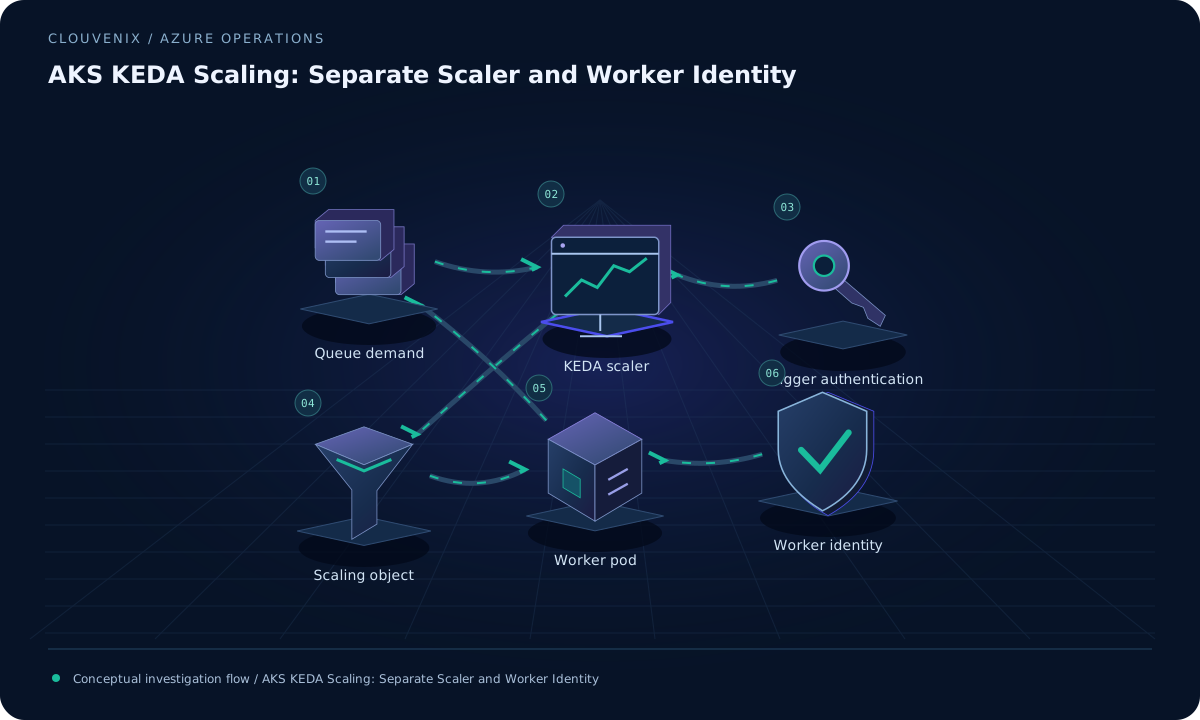 ENGINEERING JOURNAL ↗
AKS KEDA Scaling: Separate Scaler and Worker Identity
Diagnose AKS KEDA workloads that remain at zero by checking trigger authentication, scaler identity, workload credentials and the queue signal before changing replica limits.
Read field note ↗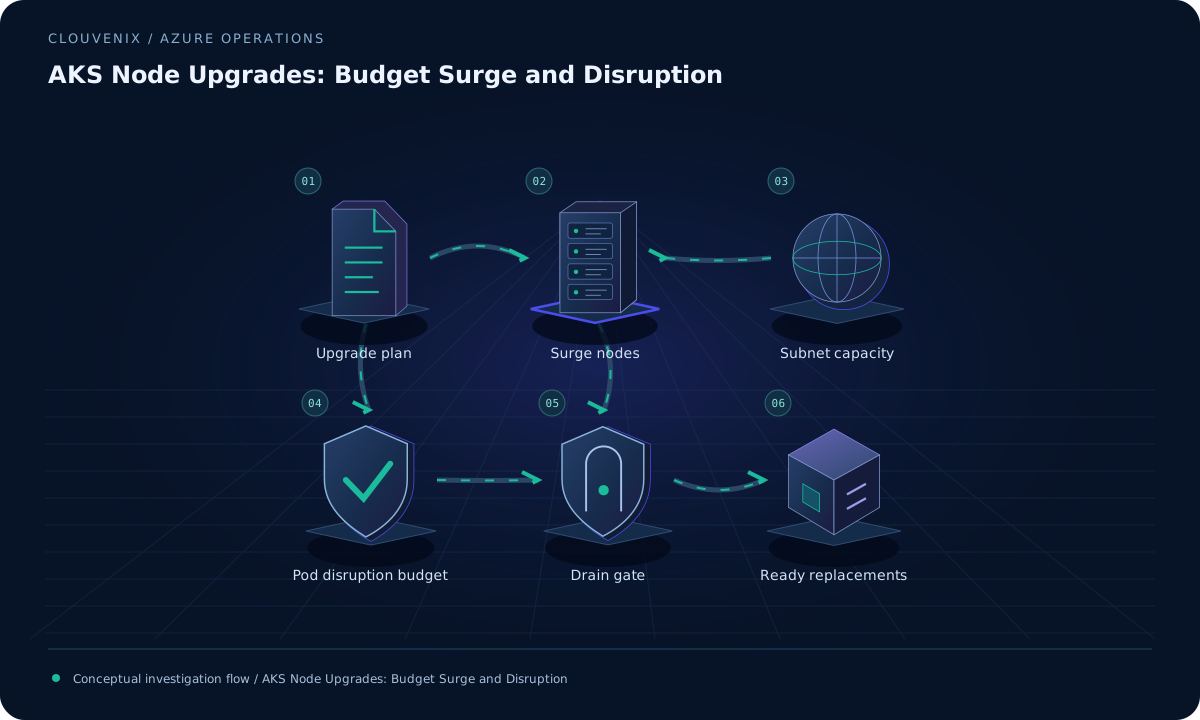 ENGINEERING JOURNAL ↗
AKS Node Upgrades: Budget Surge and Disruption
Plan AKS node pool upgrades by reviewing surge capacity, subnet headroom, pod disruption budgets and drain behavior before choosing upgrade settings.
Read field note ↗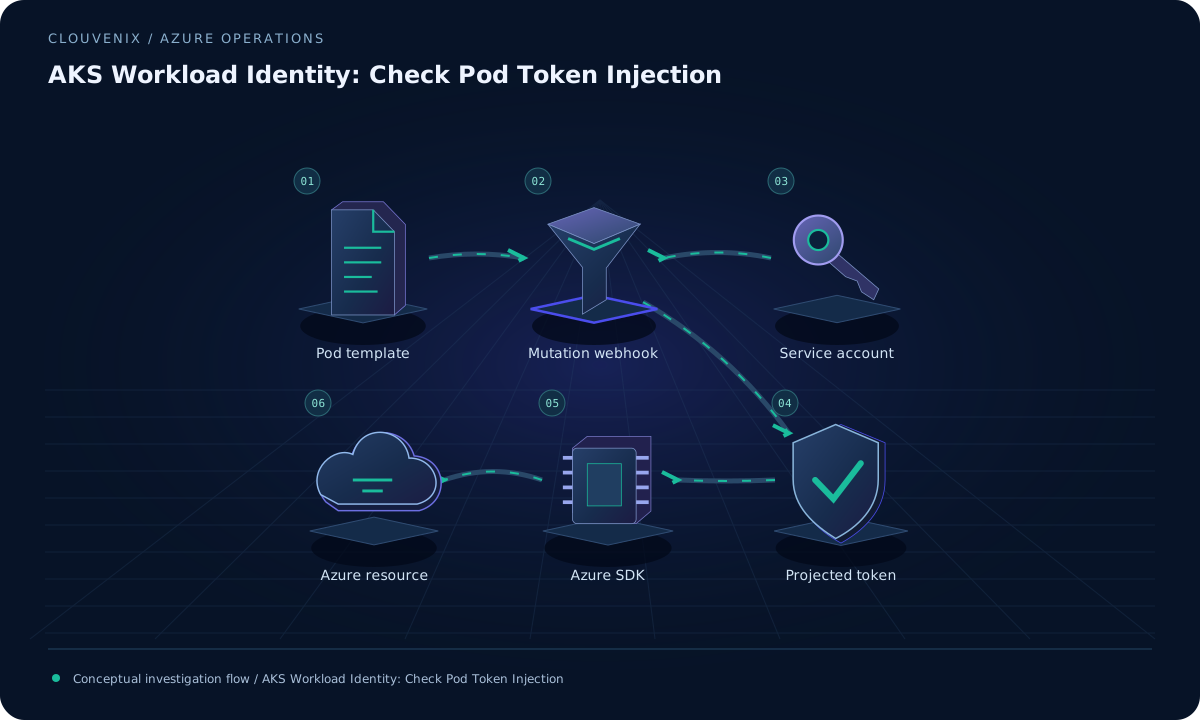 ENGINEERING JOURNAL ↗
AKS Workload Identity: Check Pod Token Injection
Diagnose missing AKS workload identity credentials by checking the pod template label, service account annotation, projected token volume and deployed SDK support.
Read field note ↗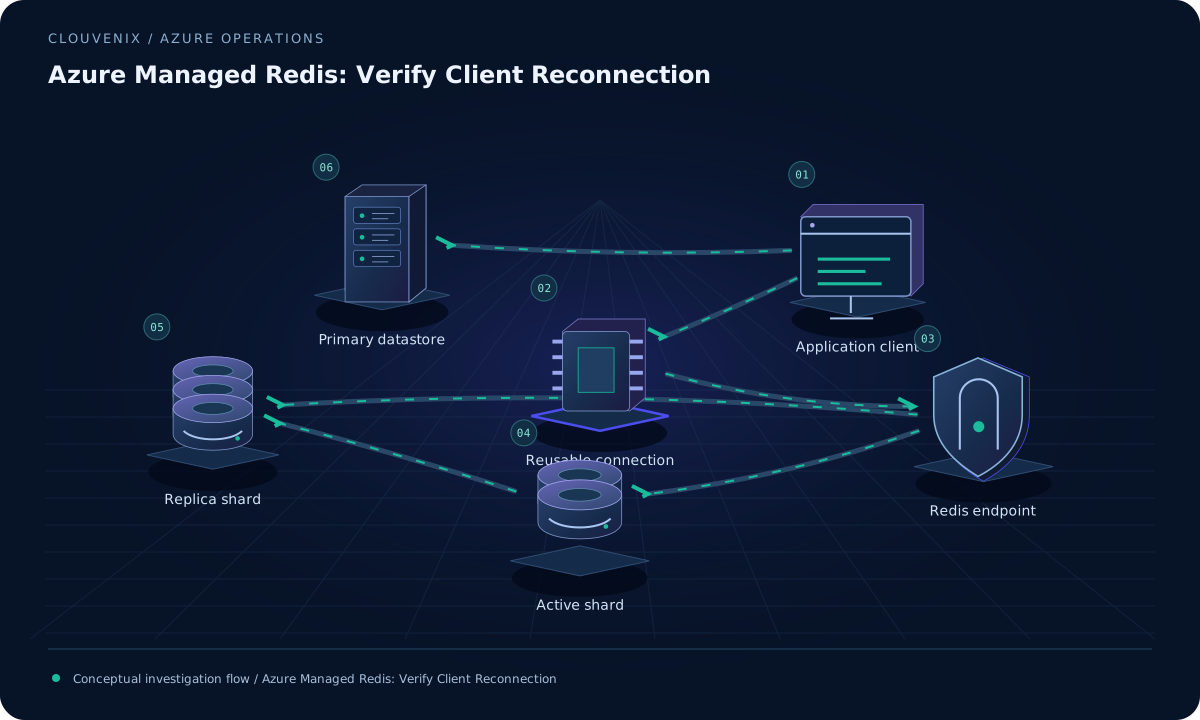 ENGINEERING JOURNAL ↗
Azure Managed Redis: Verify Client Reconnection
Prepare Azure Managed Redis clients for maintenance and failover by checking connection reuse, bounded retries, cache fallback and recovery without a process restart.
Read field note ↗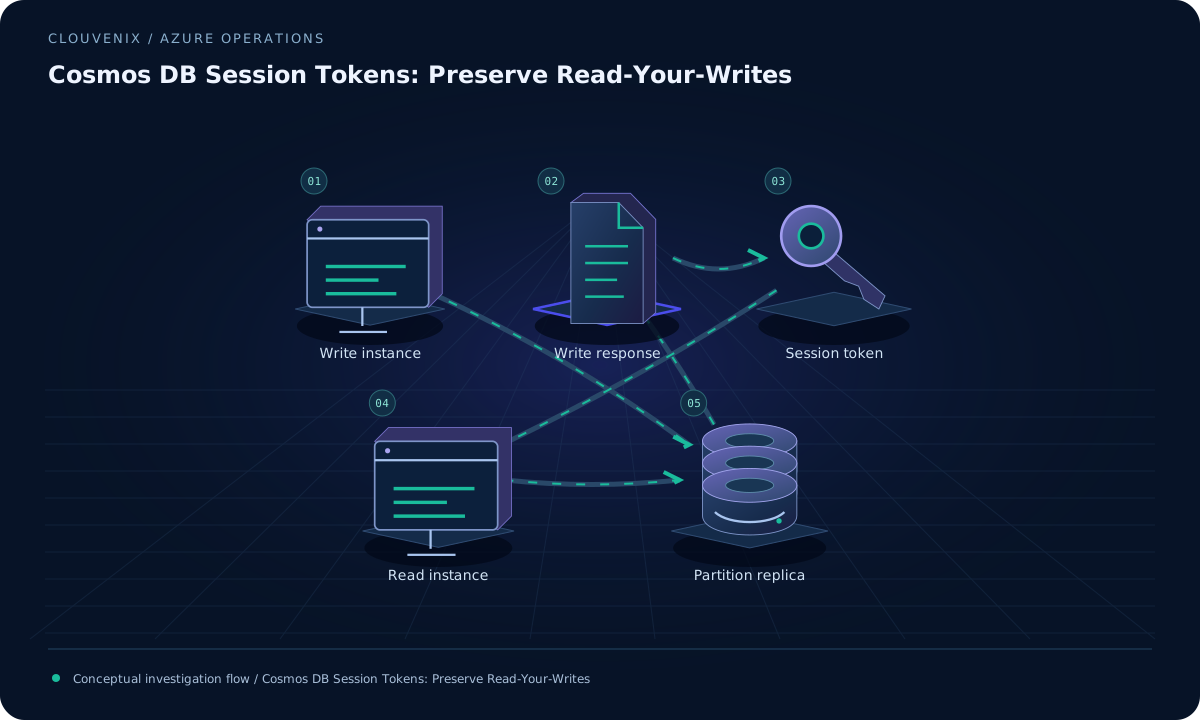 ENGINEERING JOURNAL ↗
Cosmos DB Session Tokens: Preserve Read-Your-Writes
Explain stale reads across multiple Cosmos DB client instances by tracing session tokens, partition scope and application routing after a successful write.
Read field note ↗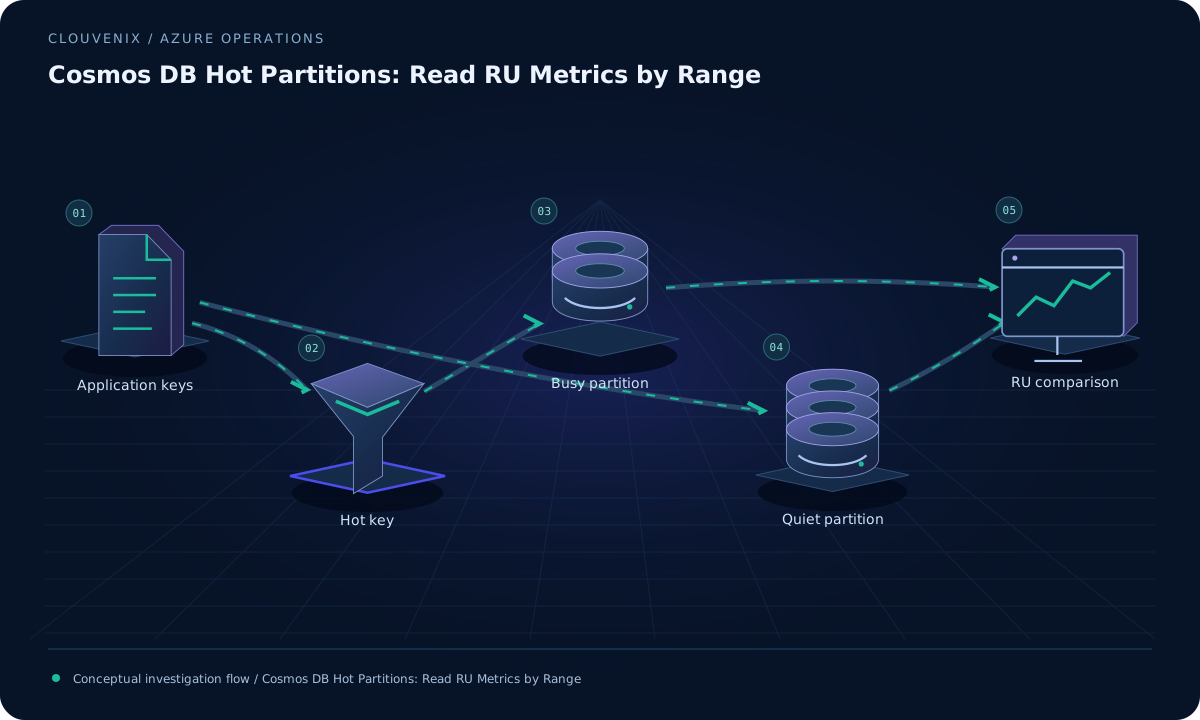 ENGINEERING JOURNAL ↗
Cosmos DB Hot Partitions: Read RU Metrics by Range
Investigate Cosmos DB throttling by comparing normalized request-unit consumption across partition ranges and connecting the busiest logical keys to actual application latency.
Read field note ↗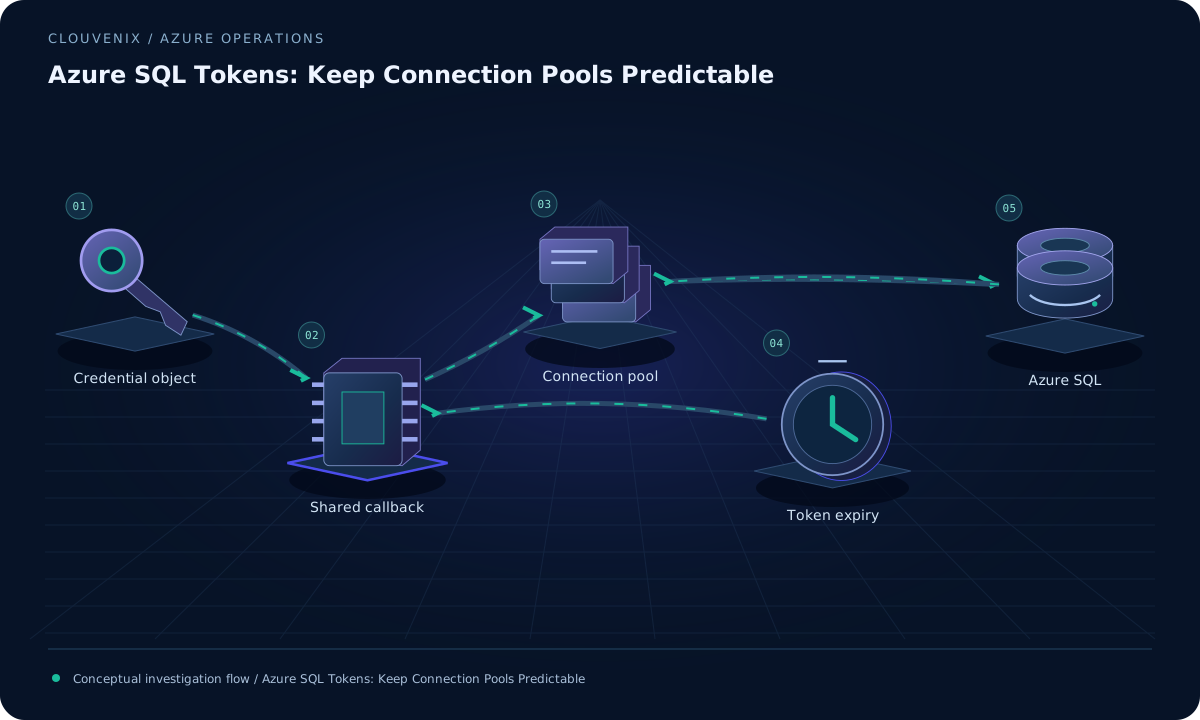 ENGINEERING JOURNAL ↗
Azure SQL Tokens: Keep Connection Pools Predictable
Investigate Microsoft Entra token and pooling behavior in Microsoft.Data.SqlClient by checking driver support, token acquisition and callback reuse without exposing credentials.
Read field note ↗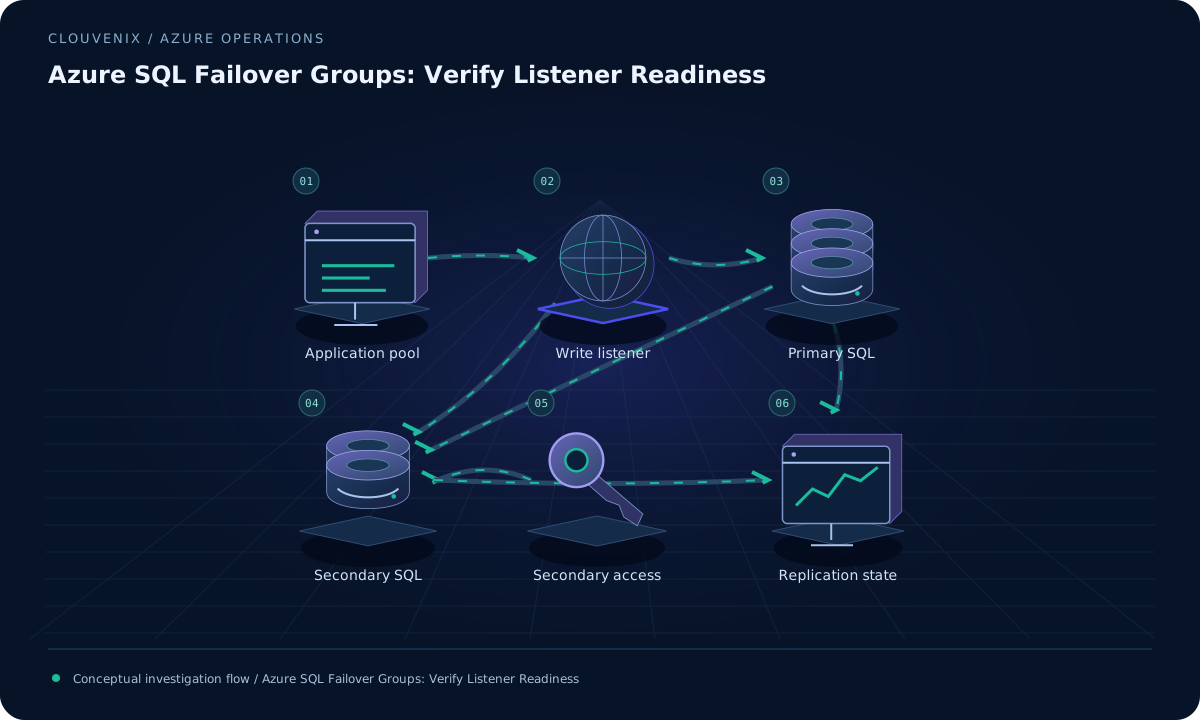 ENGINEERING JOURNAL ↗
Azure SQL Failover Groups: Verify Listener Readiness
Prepare an Azure SQL failover group for application reconnection by checking listener names, DNS behavior, secondary network access and database authentication dependencies.
Read field note ↗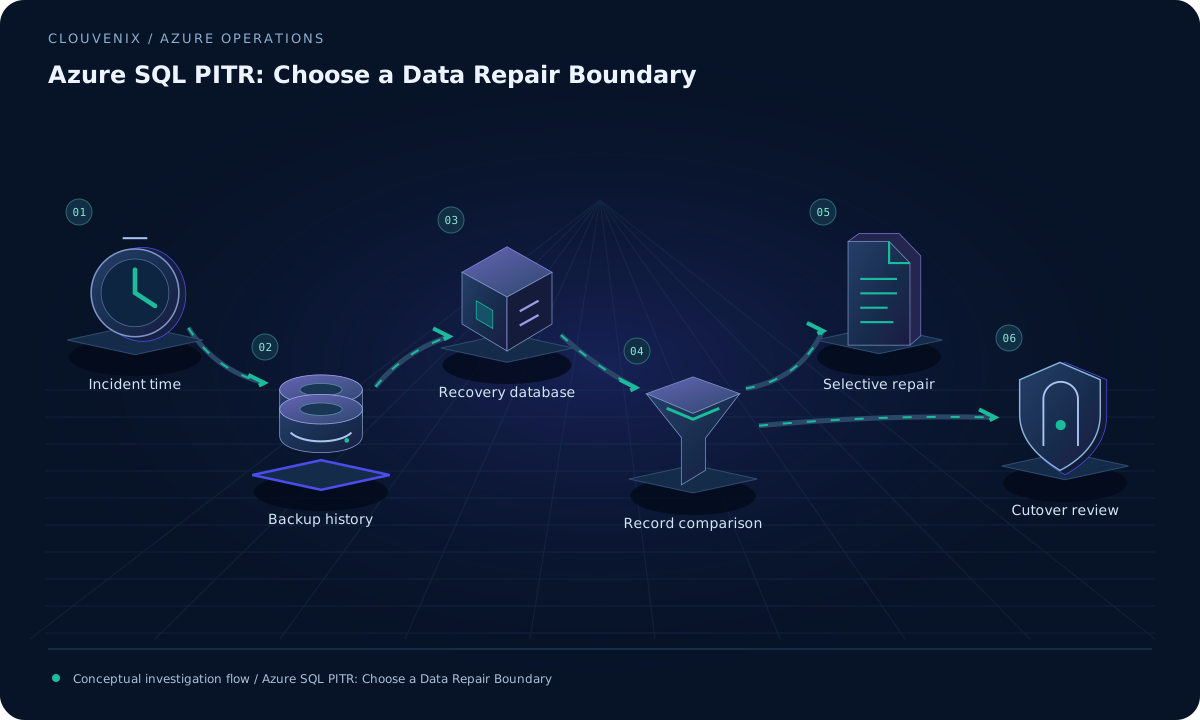 ENGINEERING JOURNAL ↗
Azure SQL PITR: Choose a Data Repair Boundary
Use Azure SQL point-in-time restore to create an isolated recovery database, validate the intended records and decide between selective repair and a controlled application cutover.
Read field note ↗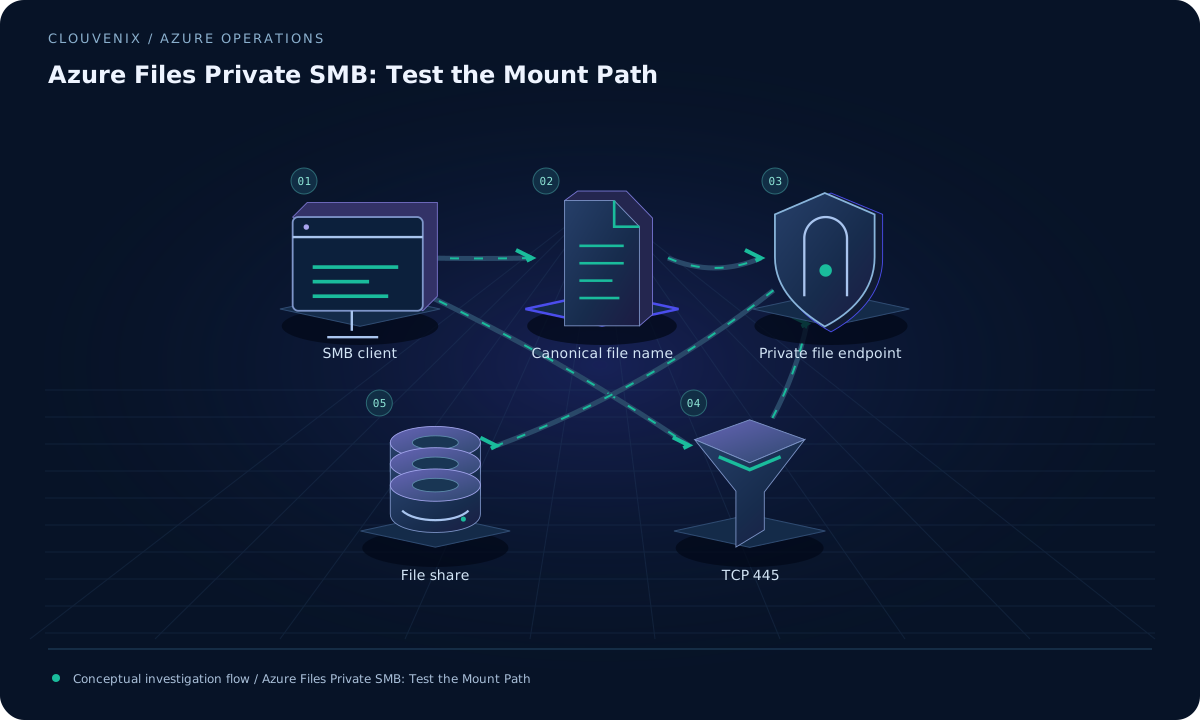 ENGINEERING JOURNAL ↗
Azure Files Private SMB: Test the Mount Path
Diagnose an Azure Files private SMB mount by checking the file service endpoint, canonical hostname, client DNS answer and TCP 445 path before testing permissions.
Read field note ↗