
Ideas for
your next move.
Practical thinking for teams building software, securing systems and operating modern infrastructure. Explore our engineering field notes.
500 insights · Page 21 of 42
 ENGINEERING JOURNAL ↗
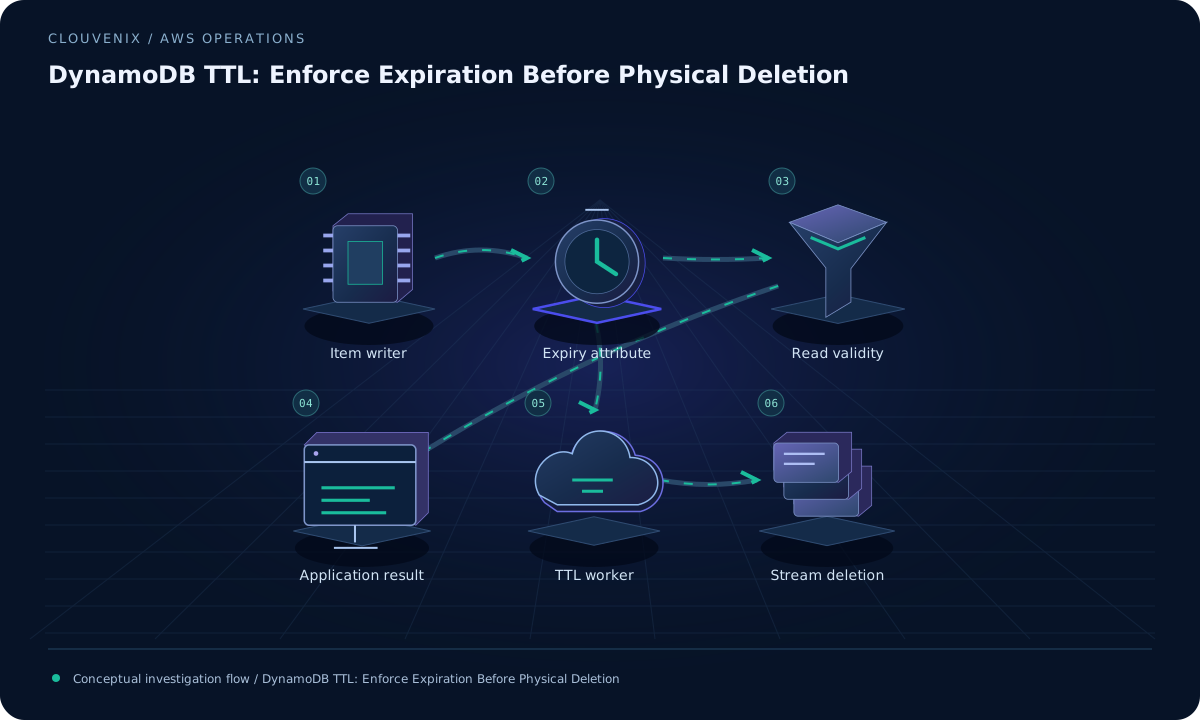
DynamoDB TTL: Enforce Expiration Before Physical Deletion
Handle expired DynamoDB items safely by validating timestamp format, enforcing application expiry, and monitoring eventual TTL cleanup as a separate process.
Read field note ↗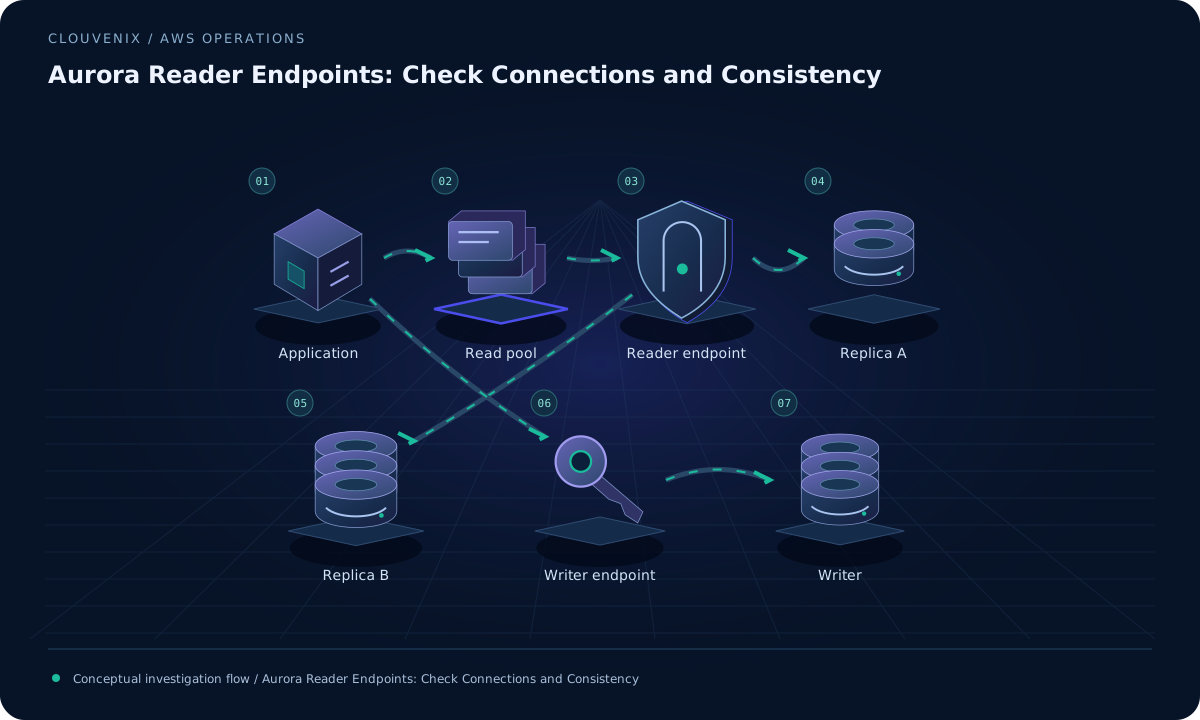 ENGINEERING JOURNAL ↗
Aurora Reader Endpoints: Check Connections and Consistency
Explain uneven Aurora read traffic by tracing endpoint selection, connection-pool lifetime, replica membership, and business consistency needs.
Read field note ↗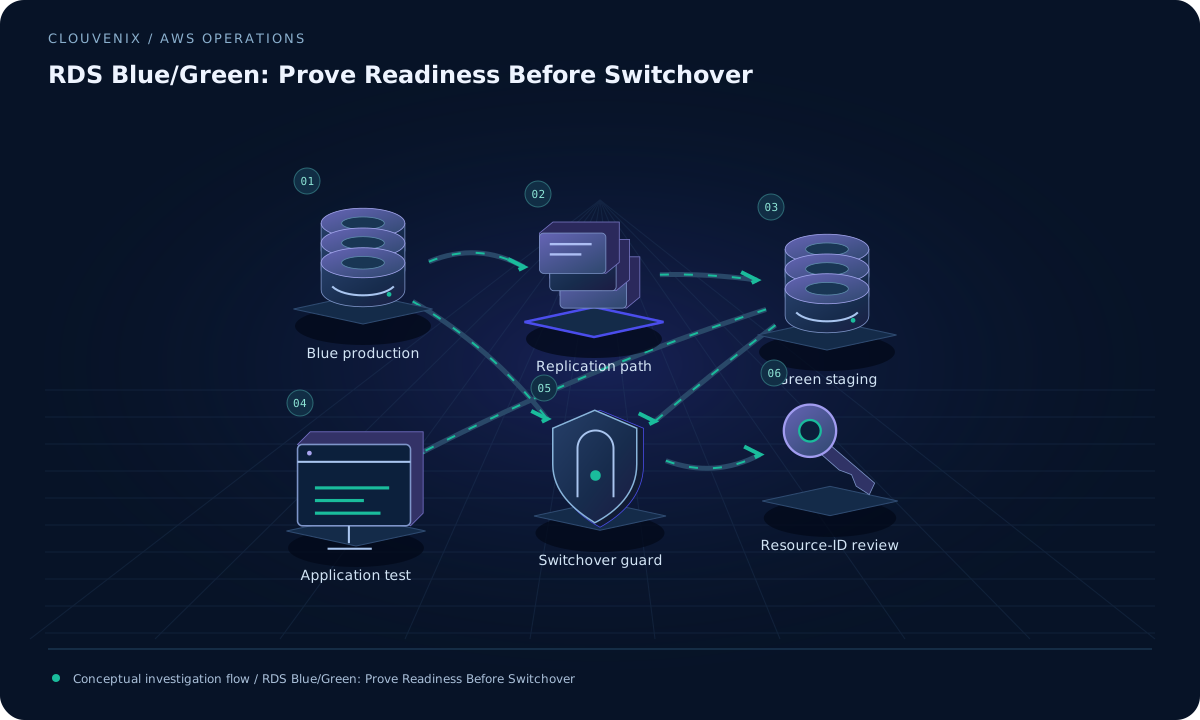 ENGINEERING JOURNAL ↗
RDS Blue/Green: Prove Readiness Before Switchover
Prepare an RDS blue/green change with engine-specific replication checks, application tests, connection recovery, and a review of resource-ID dependencies.
Read field note ↗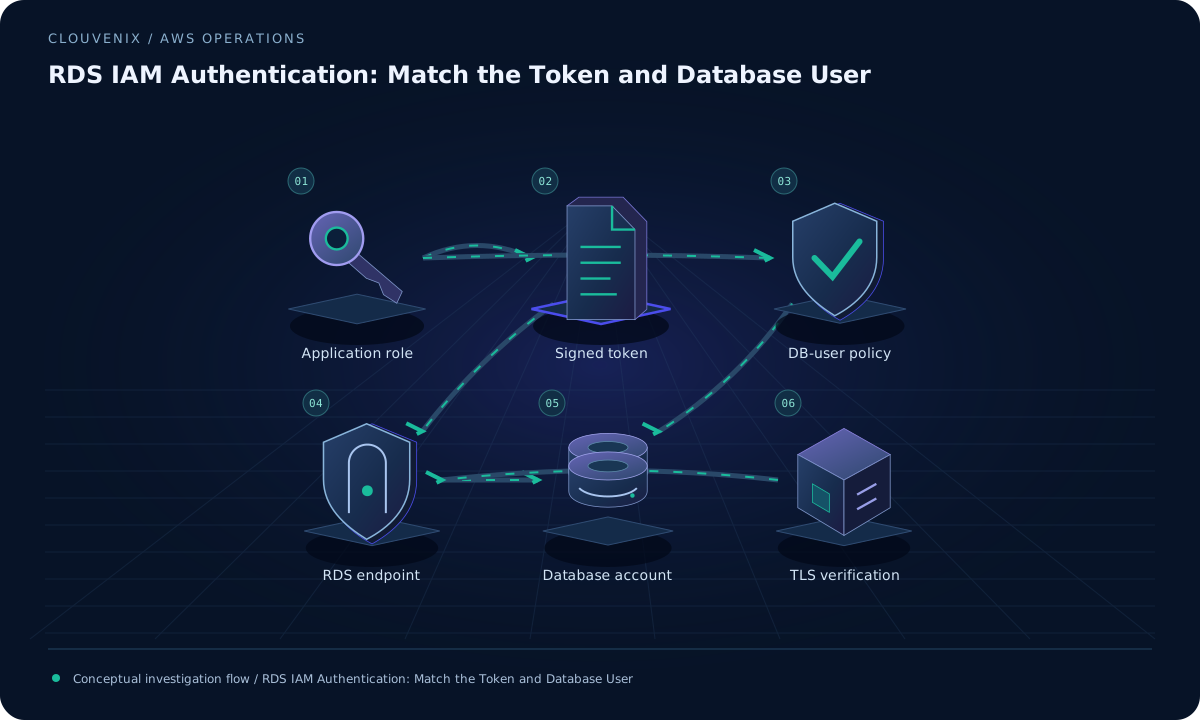 ENGINEERING JOURNAL ↗
RDS IAM Authentication: Match the Token and Database User
Diagnose RDS IAM database login failures by matching the caller, immutable resource ID, database username, endpoint, token freshness, and TLS settings.
Read field note ↗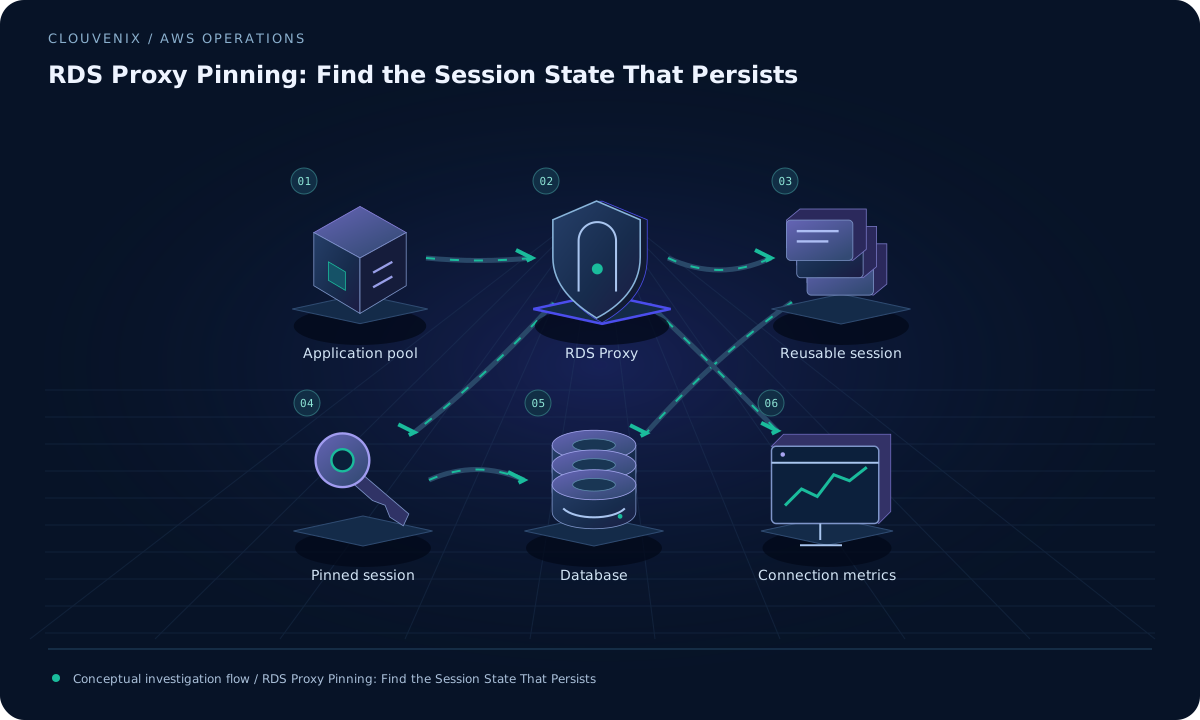 ENGINEERING JOURNAL ↗
RDS Proxy Pinning: Find the Session State That Persists
Investigate RDS Proxy session pinning with connection metrics, database-session behavior, and a controlled workload before increasing database capacity.
Read field note ↗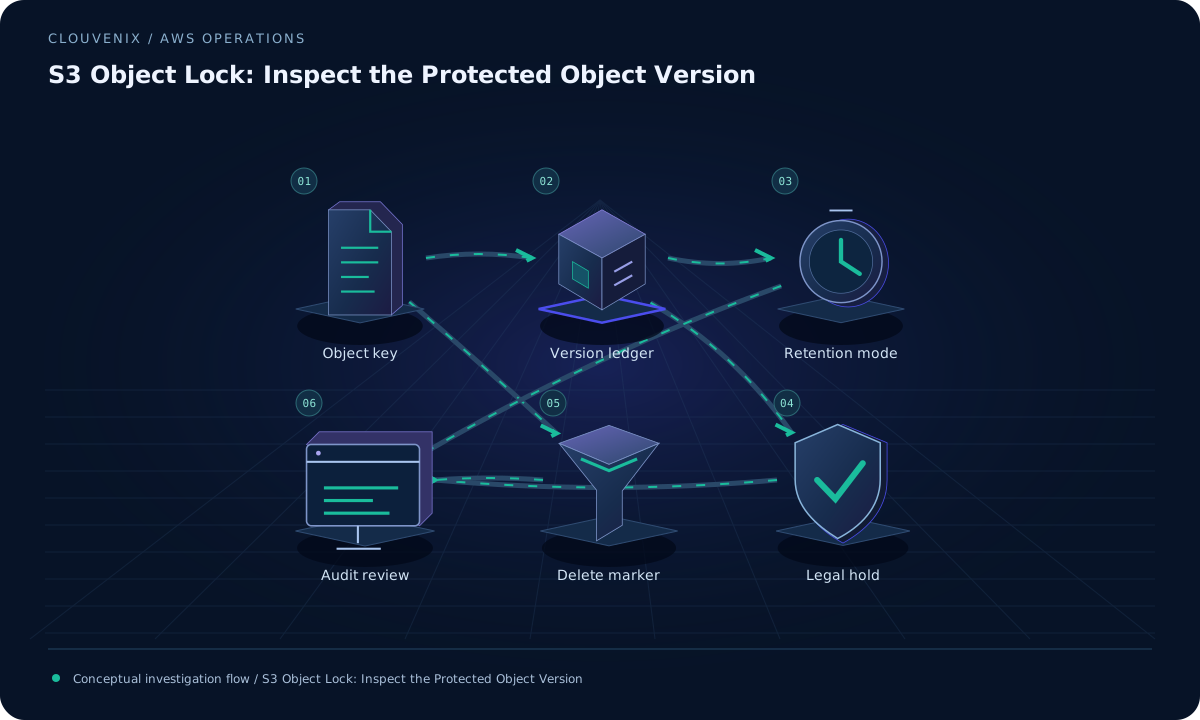 ENGINEERING JOURNAL ↗
S3 Object Lock: Inspect the Protected Object Version
Understand why a locked S3 object can disappear from a normal listing while its protected version remains, and verify retention separately from legal holds.
Read field note ↗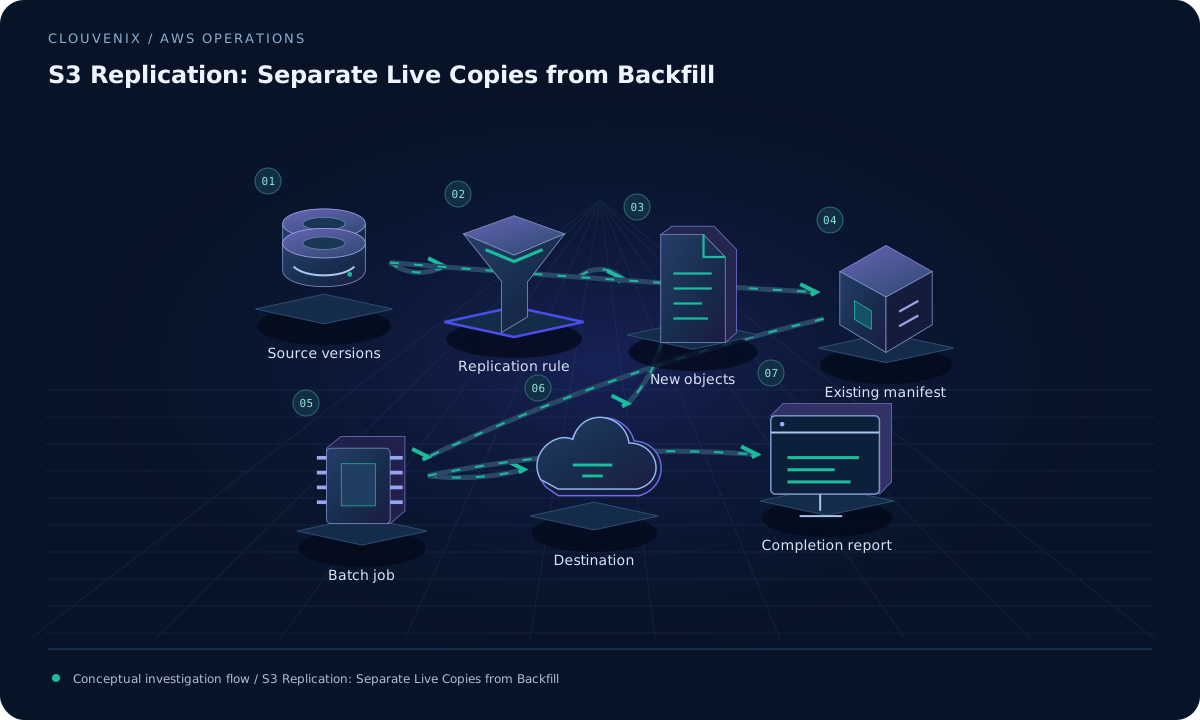 ENGINEERING JOURNAL ↗
S3 Replication: Separate Live Copies from Backfill
Diagnose missing S3 replicas by checking object age, replication status, rule scope, and a reviewed Batch Replication manifest for existing data.
Read field note ↗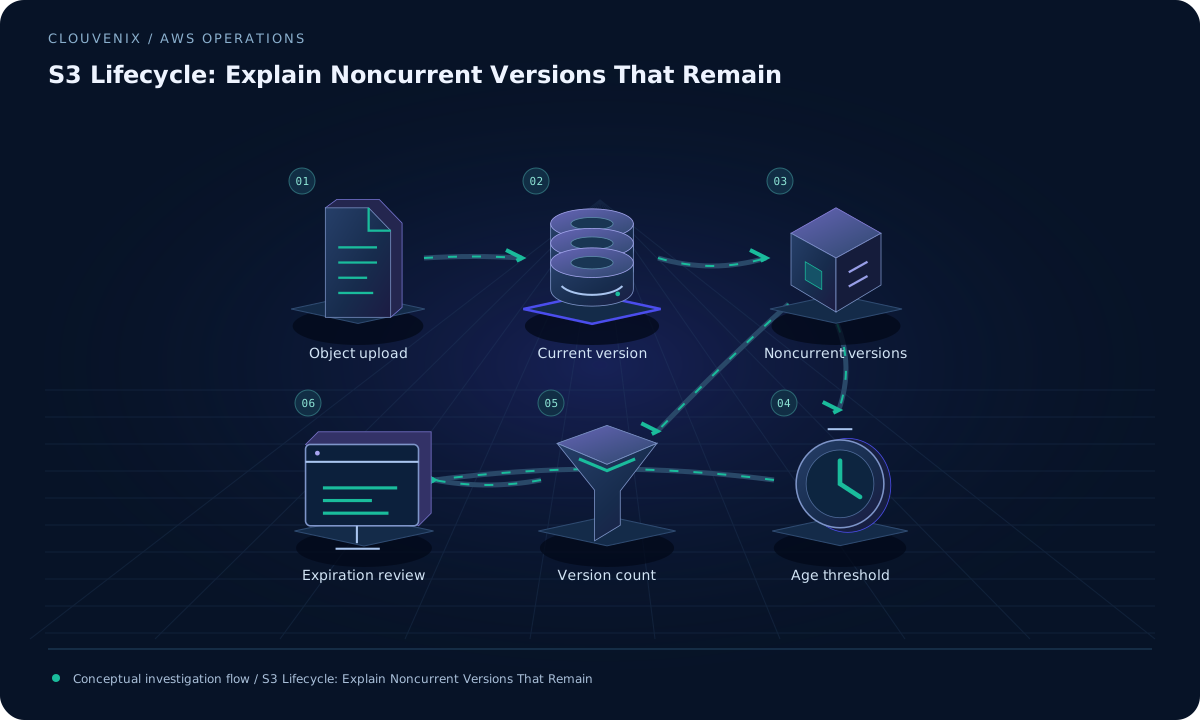 ENGINEERING JOURNAL ↗
S3 Lifecycle: Explain Noncurrent Versions That Remain
Review S3 lifecycle filters, noncurrent age, retained-version counts, and delete markers before expecting versioned-bucket storage to decline.
Read field note ↗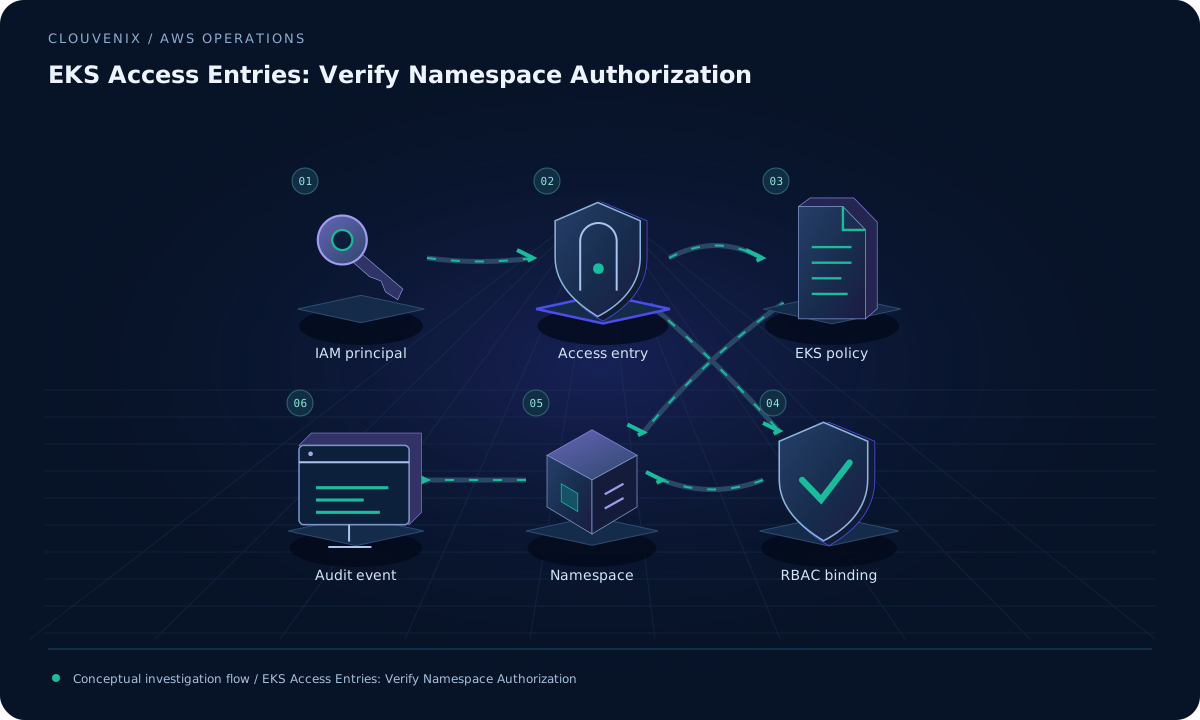 ENGINEERING JOURNAL ↗
EKS Access Entries: Verify Namespace Authorization
Separate EKS cluster authentication from Kubernetes authorization, then test the intended IAM principal, access policy, namespace scope, and RBAC bindings.
Read field note ↗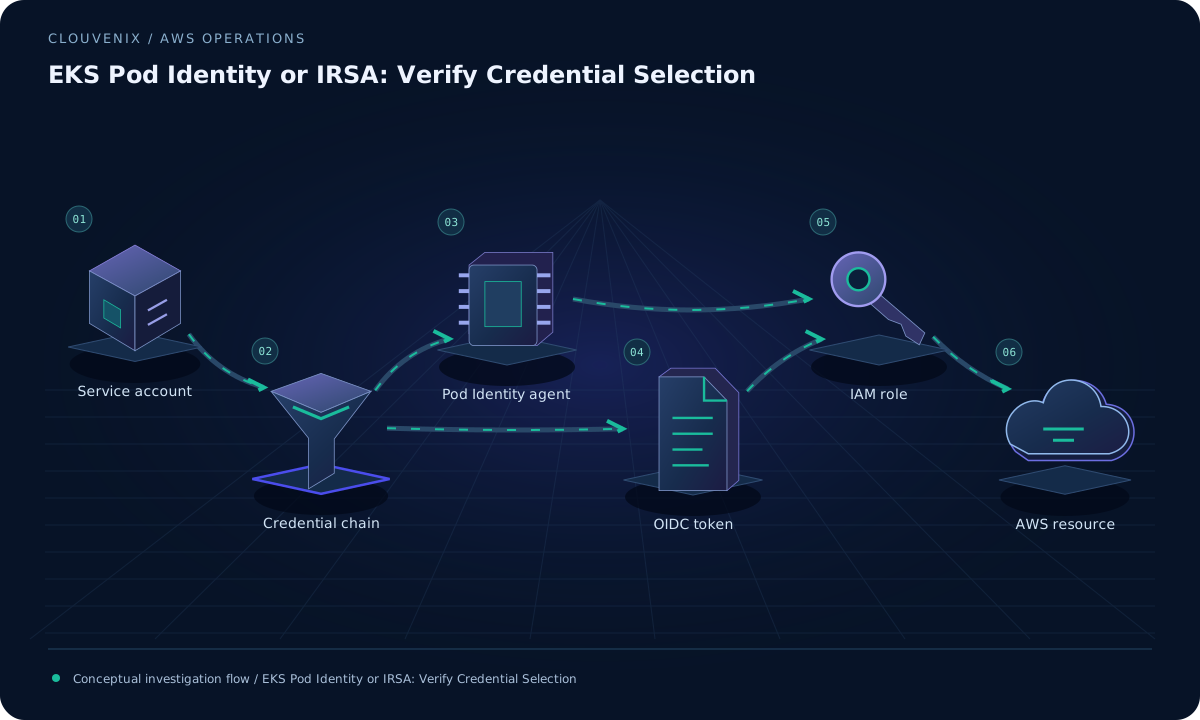 ENGINEERING JOURNAL ↗
EKS Pod Identity or IRSA: Verify Credential Selection
Choose EKS workload identity using node support, SDK compatibility, service-account mapping, and proof that the application assumes the intended role.
Read field note ↗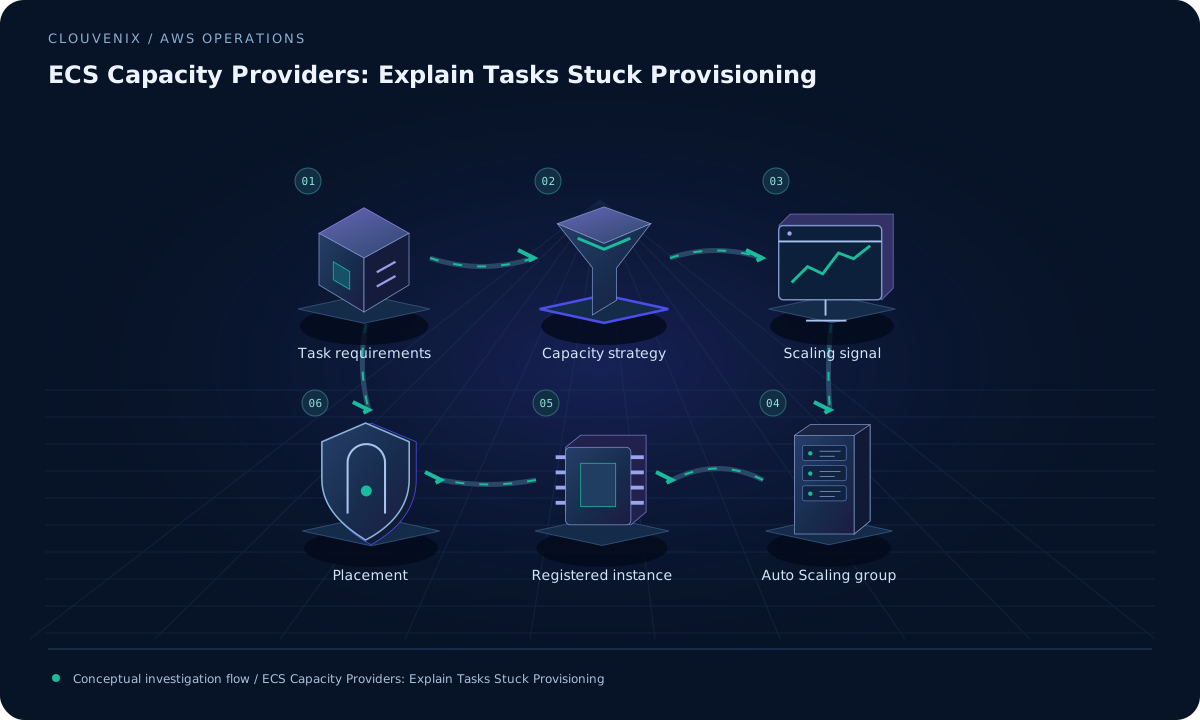 ENGINEERING JOURNAL ↗
ECS Capacity Providers: Explain Tasks Stuck Provisioning
Trace ECS capacity-provider selection, smallest-instance fit, Auto Scaling limits, and registration before changing managed scaling for provisioning tasks.
Read field note ↗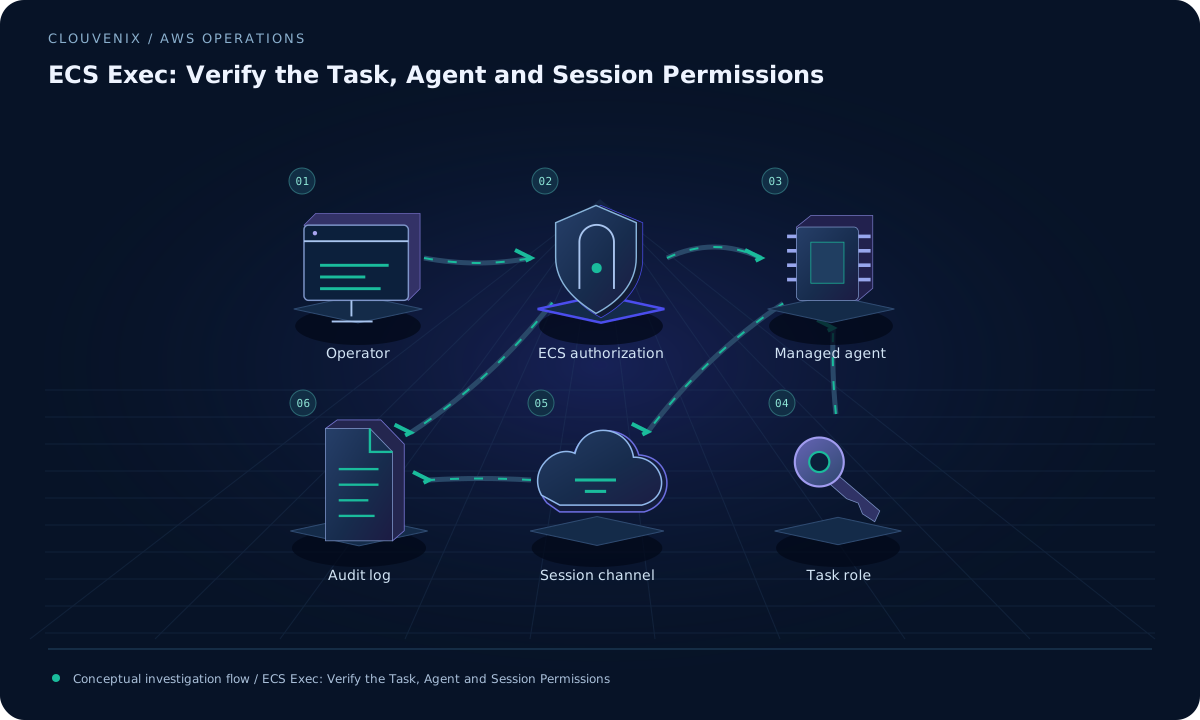 ENGINEERING JOURNAL ↗
ECS Exec: Verify the Task, Agent and Session Permissions
Enable ECS Exec through a reviewed task rollout, then verify the managed agent, task-role channel permissions, network path, and operator access.
Read field note ↗